Setting up Spot Margin on OKX in Singapore


Here's how to set up your Spot Margin trade on OKX in Singapore.
Step 1: Navigate to Margin Trading
Open the OKX app.
Tap Trade, or the GRID buton at the top left, and then select Margin.
Step 2: To Enable Margin Mode ensure the ‘Margin’ switch is turned on.
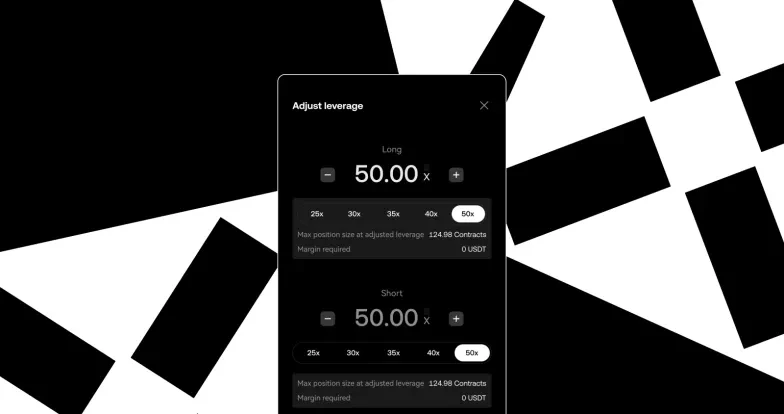
Step 3: Pick your desired margin-eligible trading pair (e.g., BTC/USDT), and adjust Borrowing Ratio
Step 4: Confirm Margin Order
Step 5: Tap the [confirm] button to execute the trade. You will see your opened trade under the Position & assets tab.
When you’re ready to close your position:
Sell the asset (if long), or buy it back (if short).
The borrowed amount + interest will be repaid from your margin balance.
Any remaining profit is yours.
Spot Margin trading is currently available only to Accredited Investors in Singapore. Verify as an Accredited Investor now, and gain access to Spot Margin
© 2025 OKX. Denne artikkelen kan reproduseres eller distribueres i sin helhet, eller utdrag på 100 ord eller mindre av denne artikkelen kan brukes, forutsatt at slik bruk er ikke-kommersiell. Enhver reproduksjon eller distribusjon av hele artikkelen må også på en tydelig måte vise: «Denne artikkelen er © 2025 OKX og brukes med tillatelse.» Tillatte utdrag må henvise til navnet på artikkelen og inkludere tilskrivelse, for eksempel «Artikkelnavn, [forfatternavn hvis aktuelt], © 2025 OKX.» Noe innhold kan være generert eller støttet av verktøy for kunstig intelligens (AI/KI). Ingen derivatverk eller annen bruk av denne artikkelen er tillatt.